
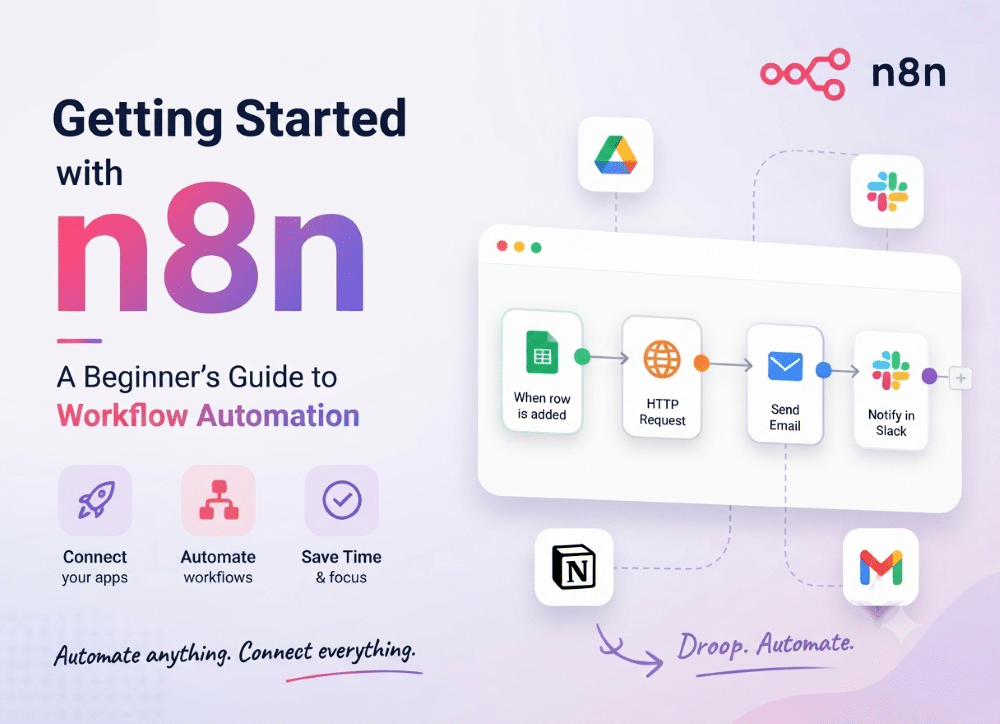
If you've ever found yourself copying data from one app to another, sending the same email over and over, or manually updating a spreadsheet every morning, you've felt the problem that n8n solves.
What Is n8n?
n8n (pronounced "n-eight-n," short for "nodemation") is an open-source workflow automation tool. You connect different apps and services together in a visual editor, and n8n handles the repetitive work for you.
Think of it as a set of digital dominoes: something happens in one place (a new email arrives, a form is submitted, a row is added to a spreadsheet), and that triggers a chain of actions elsewhere.
What makes n8n stand out from tools like Zapier or Make is that it's self-hostable and source-available. You can run it on your own server, keep your data private, and avoid paying per-task fees.
The Core Concepts
Before building anything, you need three terms:
Nodes are the building blocks. Each node does one thing—fetch data, transform it, send a message, make a decision. n8n ships with hundreds of built-in nodes for services like Slack, Google Sheets, Gmail, and Notion, plus a generic HTTP Request node that can talk to almost any API.
Workflows are the canvas where you connect nodes together. Data flows from one node to the next, left to right.
Triggers are the starting point of any workflow. A trigger node decides when the workflow runs—on a schedule, when a webhook fires, or when a specific event happens in a connected app.
Your First Workflow
The classic beginner project is a scheduled workflow that fetches data and sends it somewhere. Here's a simple example: every morning at 9 AM, check a weather API and post the forecast to Slack.
- Add a Schedule Trigger node. Set it to run daily at 9 AM.
- Add an HTTP Request node. Point it at a weather API endpoint and paste in your API key.
- Add a Slack node. Choose the channel and format the message using the data from the previous step.
- Click Execute Workflow to test it, then activate it to run automatically.
Notice how data moves through the chain. Each node receives the output of the one before it, and n8n's expression editor lets you reference values from earlier steps—like pulling the temperature out of the weather API response to use in your Slack message.
Why People Choose n8n
The appeal comes down to three things. Flexibility: if a node doesn't exist for a service, you can write a few lines of JavaScript in a Code node to do the job yourself. Cost: self-hosting means no per-operation pricing, which matters a lot at scale. Privacy: your data never leaves infrastructure you control.
The trade-off is setup. Running n8n yourself means managing a server, updates, and backups—whereas hosted competitors handle that for you. n8n also offers a cloud version if you'd rather skip the DevOps.
Where to Go Next
Once you're comfortable with basic workflows, the natural next steps are error handling (what happens when an API goes down?), sub-workflows for reusing logic, and connecting to databases or AI models.
The best way to learn is to automate something you actually do by hand. Pick one annoying recurring task, build a workflow around it, and you'll learn more in an afternoon than from any tutorial.